Claude Code CLI vs Gemini CLI vs Pi vs Turnloom
Up to four tools, row by row. We do not guess: a cell we have not checked says so.
This page compares the four CLI agents only. Claude Code has 4 other listings and Gemini CLI has 1 other listing, each with its own page.
How they differ
SystemsClaude Code CLI 4 · Gemini CLI 3 · Pi 4 · Turnloom 1 · 1 in all
, ,
,
, ,
Nothing the others do not have
Show 1 shared
Pick this if…
Paraphrased from each maker’s own description. Select a line for the quote.
Checked for Claude Code CLI, Gemini CLI and Pi, not yet for Turnloom: Price (Claude Code CLI: ; Gemini CLI: ; Pi: ), Model providers (Claude Code CLI: , , , , ; Gemini CLI: ; Pi: , , , , , , , , , , , , , , , , , , , , , , , , , , , , , , , , , , , ), Bring your own key (Claude Code CLI: ; Gemini CLI: ; Pi: )
Not yet checked for any of these tools: agents it runs.
Provider names use the same listing as each tool page. Dotted values open their quote.
What each can do
Select an answer to see the maker’s sentence, or what we searched.
We have not checked Turnloom’s capabilities yet. 27 capabilities are checked for at least two of these tools. 8 get different answers, among them Approval modes, Subagents, Plan mode and Review diffs; 4 differ only in a limit. 10 others are checked for one tool only.
Different answers8
Approval modesNot yet checked: Turnloom
Not yet checked for Turnloom
SubagentsNot yet checked: Turnloom
*Not built in; Subagent example
Not yet checked for Turnloom
Plan modeNot yet checked: Turnloom
*Not built in; Plan Mode example
Not yet checked for Turnloom
Read-only modeNot yet checked: Turnloom
*Through plan mode
*Not built in; Plan Mode example
Not yet checked for Turnloom
Review diffsNot yet checked: Pi, Turnloom
*Gemini CLI Companion extension
Not yet checked for Pi
Not yet checked for Turnloom
Undo file editsNot yet checked: Turnloom
*Maker's git-checkpoint example
Not yet checked for Turnloom
NotificationsNot yet checked: Turnloom
*Depends on the terminal
*Experimental; off by default
*Maker's notify example
Not yet checked for Turnloom
OS-level sandboxNot yet checked: Turnloom
*Not on native Windows
*Opt-in; Seatbelt is macOS only
*Gondolin micro-VM example
Not yet checked for Turnloom
Differ only in a limit4
Token and cost usageNot yet checked: Turnloom
*Token view for API users
Not yet checked for Turnloom
Git worktreesNot yet checked: Pi, Turnloom
*Experimental; turn on first
Not yet checked for Pi
Not yet checked for Turnloom
Runs in a containerNot yet checked: Claude Code CLI, Turnloom
Not yet checked for Claude Code CLI
*Opt-in Docker or Podman sandbox
*The repo's Docker recipe
Not yet checked for Turnloom
Image inputNot yet checked: Turnloom
*Needs a compatible terminal
Not yet checked for Turnloom
Not yet checked: , , ,
3 capabilities not yet checked for Claude Code CLI
- Models, keys and usage Local models, Custom OpenAI-compatible endpoint
- Sandbox, permissions and privacy Runs in a container
We have not checked these yet. They may or may not be supported.
11 capabilities not yet checked for Gemini CLI
- Models, keys and usage Local models, Custom OpenAI-compatible endpoint
- Editors, scripts and CI GitHub integration, Commit attribution control
- Parallel agents Parallel sessions
- Remote and mobile control Remote control, Steer from a phone
- Sandbox, permissions and privacy Telemetry opt-out
- Images, web and your computer Browser automation, Computer use, Voice input
We have not checked these yet. They may or may not be supported.
14 capabilities not yet checked for Pi
- Editors, scripts and CI Editor integration, GitHub integration, Commit attribution control
- Review, steer and undo Review diffs
- Parallel agents Parallel sessions, Git worktrees
- Context and memory Memory across sessions
- Remote and mobile control Remote control, Steer from a phone
- Images, web and your computer Web search, Fetch URLs, Browser automation, Computer use, Voice input
We have not checked these yet. They may or may not be supported.
37 capabilities not yet checked for Turnloom
- Models, keys and usage Local models, Custom OpenAI-compatible endpoint, Token and cost usage
- MCP, hooks, skills and subagents MCP servers, Hooks, Skills, Subagents, Plugins, Custom commands
- Editors, scripts and CI Editor integration, Headless mode, JSON output, GitHub integration, Commit attribution control
- Review, steer and undo Plan mode, Read-only mode, Review diffs, Undo file edits
- Parallel agents Parallel sessions, Git worktrees
- Context and memory Project instruction files, Memory across sessions, Resume a session, Browse past sessions
- Remote and mobile control Remote control, Steer from a phone, Notifications
- Sandbox, permissions and privacy OS-level sandbox, Approval modes, Runs in a container, Telemetry opt-out
- Images, web and your computer Image input, Web search, Fetch URLs, Browser automation, Computer use, Voice input
We have not checked these yet. They may or may not be supported.
Each answer is about the CLI agent in its column. Something the maker publishes separately, such as an editor plugin or a GitHub Action, shows as “With add-on”, even when it has its own listing here. How capabilities are checked
About these tools
Gemini CLI
Pi
Turnloom
At a glance
Index score out of 100
Claude Code CLI92Gemini CLI44Pi78TurnloomNot enough data yet
Mindshare HN mentions, 90 days
Claude Code CLI4,602Gemini CLI58Pi1,310Turnloom0
Adoption GitHub stars, not scored
Claude Code CLI156kGemini CLI109kPi123kTurnloomNot yet checked
Release days last 90 days
Claude Code CLI57Gemini CLI12Pi19Turnloom1
Lowest monthly plan billed monthly, lower is cheaper
Claude Code CLI$20/moGemini CLINot yet checkedPiNot yet checkedTurnloomNot yet checked
Platforms systems and surfaces
Claude Code CLI5Gemini CLI3Pi4Turnloom1
Votes can only raise a score: up to 20% of it reflects upvotes, graded on a curve against the most-voted tool. The square-root curve has a floor of 100 effective votes. Votes decay with a 90-day half-life. Maker self-votes do not count. Counts below 10 are hidden for display only. After activation, the score is 80% mindshare plus 20% of the greater of mindshare and the vote score. GitHub stars do not affect the Index score. Mindshare uses a log scale; votes use the square-root curve and a 100-vote floor. Ranks use unrounded scores. Mindshare and adoption bars are log-scaled; the others are linear within this comparison. How the score is built
Differences only



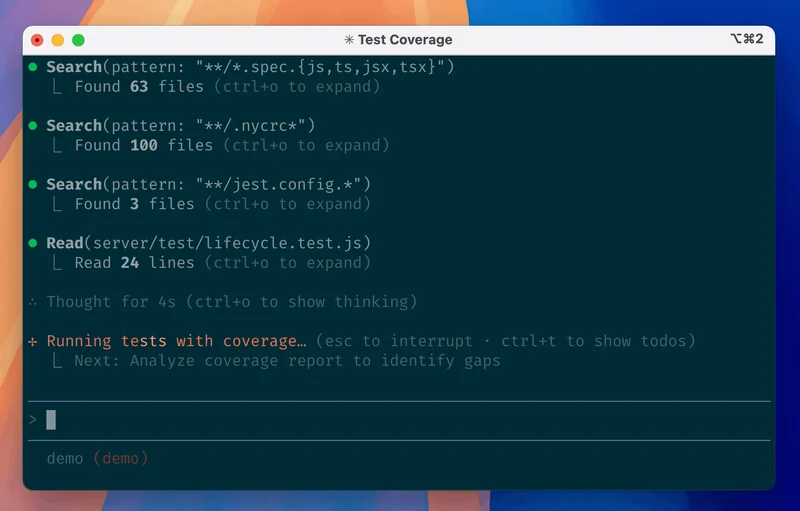
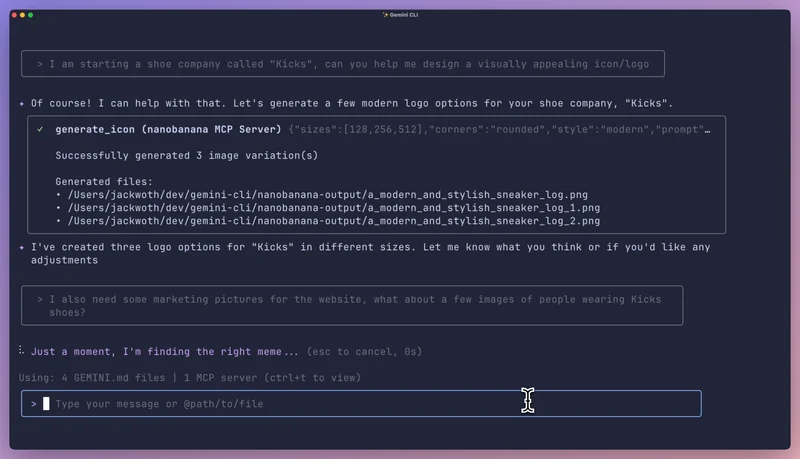
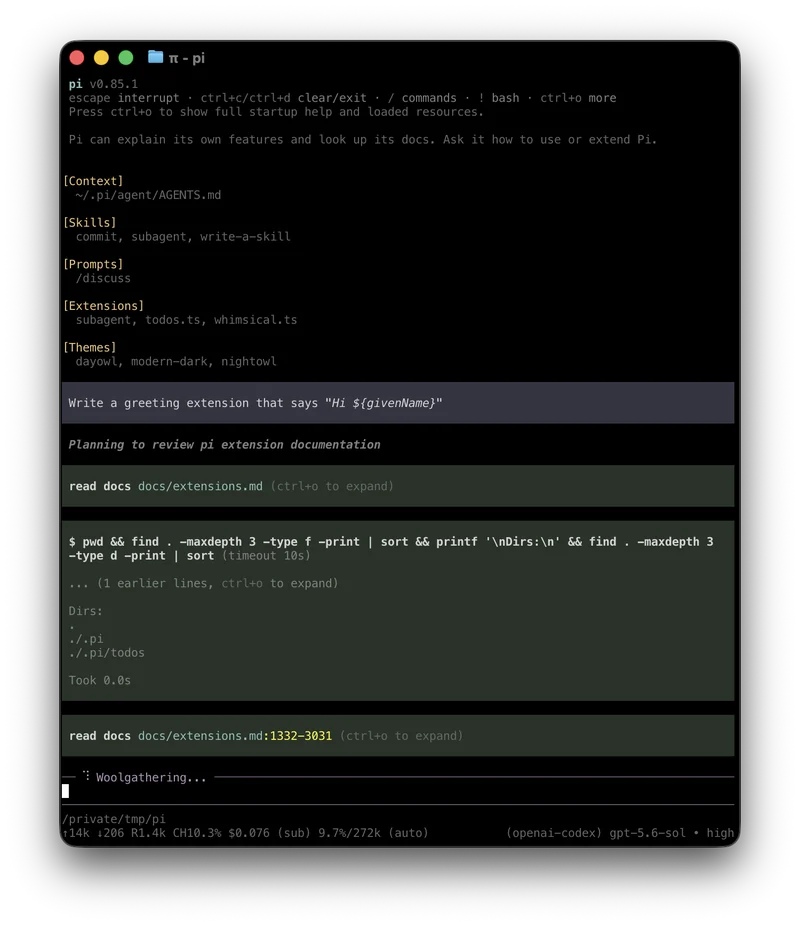
4 of 4
Claude Code CLIAnthropic · CLI agent
Gemini CLIgoogle-gemini · CLI agent
PiEarendil Works · CLI agent
TurnloomCLI agent
Interface
What it is
Terminal coding tool that executes routine tasks and handles git workflows
Open-source terminal agent for enterprise Gemini Code Assist workflows on Google Cloud
Minimal, extensible agent harness that you can make your own
Coding agent with inspectable context and reviewable file edits
Category
CLI agentClaude Code family
CLI agentGemini CLI family
CLI agent
CLI agent
Pricing
Starts at (billing shown)
Not yet checked
Lowest monthly plan
Not yet checked
Not yet checked
Not yet checked
Free tier
Not yet checked
Not yet checked
Not yet checked
Plans
- Pro (monthly)$20/mo
- Pro (annual)$17/mo billed yearly
- Team Standard (monthly)$25 per seat/mo
- Team Standard (annual)$20 per seat/mo billed yearly
- Max$100/mo
- Team Premium (monthly)$125 per seat/mo
- Team Premium (annual)$100 per seat/mo billed yearly
- Ultra$200/mo
- Enterprise$20 per seat/mo billed yearly
Not yet checked
- Open-source softwareFree (open source)
Not yet checked
Bring your own key
Yes
Yes
Yes
Not yet checked
Runs on
Linux
Yes
Yes
Yes
Not yet checked
Web
Yes
Not yet checked
Not yet checked
Not yet checked
Windows
Yes
Not yet checked
Yes
Not yet checked
macOS
Yes
Yes
Yes
Not yet checked
Models and agents
Model providers
AnthropicGoogleAmazon BedrockMicrosoft Foundry (Azure AI Foundry)Claude apps gateway+ providers you add
Google+ providers you add
OpenAIAnthropicGoogleOpenRouterOllamaSpaceXSI (Grok)DeepSeekAmazon Bedrock
+28 more model providers
LM StudioMoonshot AIGroqZ.aiMistralFireworksMiniMaxGitHub CopilotOpenCode GovLLMTogether AIHugging FaceAzure OpenAICerebrasllama.cppVercel AI GatewayOpenCode Console (OpenCode Zen)Alibaba (Qwen)XiaomiNVIDIABasetenMeta AI (Llama)Cloudflare Workers AICloudflare AI GatewayMicrosoft Foundry (Azure AI Foundry)Ant LingRadiusSGLang
Not yet checked
Models
Not yet checked
Source and activity
Source
GitHub stars
Most
Not yet checked
Release days, last 90 days
57Most
12
19
1
Release days per week
Latest release, any channel
v2.1.327 17 Nov 2026
v0.68.0 10 Nov 2026
v1.5.2 10 Nov 2026
v0.7.0 18 Nov 2026
Index score
Score and rank
92 #1 Score 91.6; ranked on the unrounded score
44 #18 Score 44.3; ranked on the unrounded score
78 #4 Score 77.9; ranked on the unrounded score
Not enough data yet
Mindshare
924,602 Hacker News mentions in the last 90 days
4458 Hacker News mentions in the last 90 days
781,310 Hacker News mentions in the last 90 days
00 Hacker News mentions in the last 90 days
Adoption, not scored
98156,056 stars, read 18 Nov 2026
95108,907 stars, read 18 Nov 2026
96122,575 stars, read 18 Nov 2026
Not yet checked
Votes
—Votes can only raise a score: up to 20% of it reflects upvotes, graded on a curve against the most-voted tool. The square-root curve has a floor of 100 effective votes. Votes decay with a 90-day half-life. Maker self-votes do not count. Counts below 10 are hidden for display only.
—Votes can only raise a score: up to 20% of it reflects upvotes, graded on a curve against the most-voted tool. The square-root curve has a floor of 100 effective votes. Votes decay with a 90-day half-life. Maker self-votes do not count. Counts below 10 are hidden for display only.
—Votes can only raise a score: up to 20% of it reflects upvotes, graded on a curve against the most-voted tool. The square-root curve has a floor of 100 effective votes. Votes decay with a 90-day half-life. Maker self-votes do not count. Counts below 10 are hidden for display only.
—Votes can only raise a score: up to 20% of it reflects upvotes, graded on a curve against the most-voted tool. The square-root curve has a floor of 100 effective votes. Votes decay with a 90-day half-life. Maker self-votes do not count. Counts below 10 are hidden for display only.
Rank history
First ranked 18 Nov 2026
First ranked 18 Nov 2026
First ranked 18 Nov 2026
Not ranked
Full page
Watch Claude Code CLI vs Gemini CLI vs Pi vs Turnloom on YouTube
More comparisons
Build your own
Claude Code CLI vs Codex CLICLI agents


Cursor editor vs Devin DesktopEditors


Conductor vs cmuxAgent workspaces

Conductor vs T3 CodeAgent workspaces

T3 Code vs ParadevAgent workspaces
Claude Code CLI vs Codex CLI vs Gemini CLICLI agents

Cursor editor vs Devin Desktop vs ZedEditors



Cline vs Kilo Code vs ContinueIDE extensions


Devin vs OpenHandsCloud agents



Lovable vs Bolt.new vs v0App builders

cmux vs Conductor vs Claude SquadAgent workspaces